AI VRAM Calculator
Calculate exact GPU memory requirements for running, fine-tuning, or training large language models. Pick your model and workload — get a VRAM budget and matching hardware from our catalog of 653 systems.
Configure your workload
Estimate
VRAM breakdown
- Model weights
- 16 GB
- KV cache
- 1 GB
- Activations / buffers
- 1.6 GB
Hardware that can run this
8 systems from our catalog with matching GPUs, sorted by fit and price.
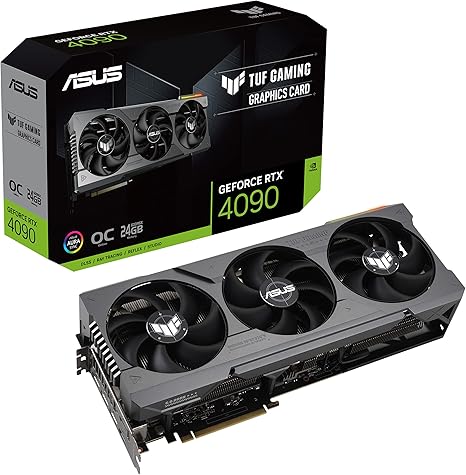
ASUS TUF Gaming NVIDIA GeForce RTX 4090 OC Edition Gaming Graphics Card (24GB GDDR6X, PCIe 4.0, HDMI 2.1a, DisplayPort 1.4a, Dual Ball Bearing Axial Fans)
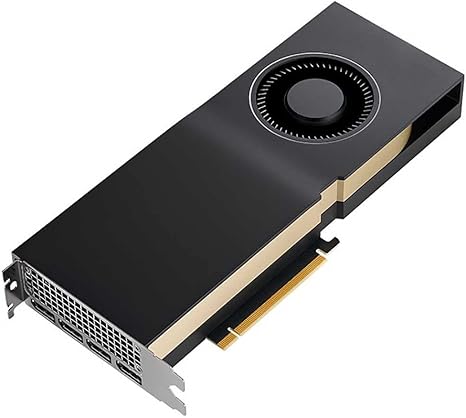
PNY NVIDIA RTX A5000 Professional Graphic Card 24GB GDDR6 PCI Express 4.0 x16, Dual Slot, 3X DisplayPort, 8K Support, Ultra-Quiet Active Fan
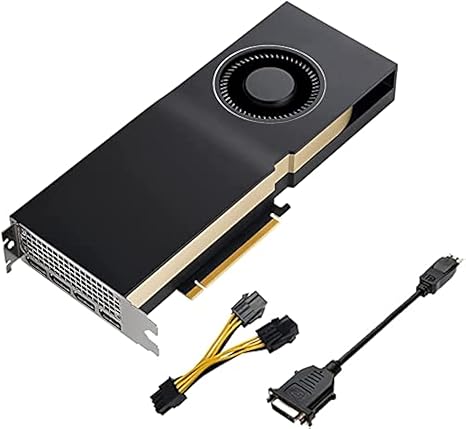
PNY NVIDIA Quadro RTX A5000 24GB GDDR6 Graphics Card (One Pack)
VSXR5 540CU
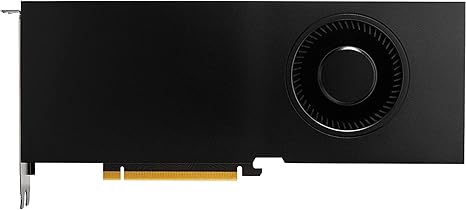
Lenovo Nvidia RTX A5000 24GB GDDR6 Graphics Card, W126823388 (Graphics Card)
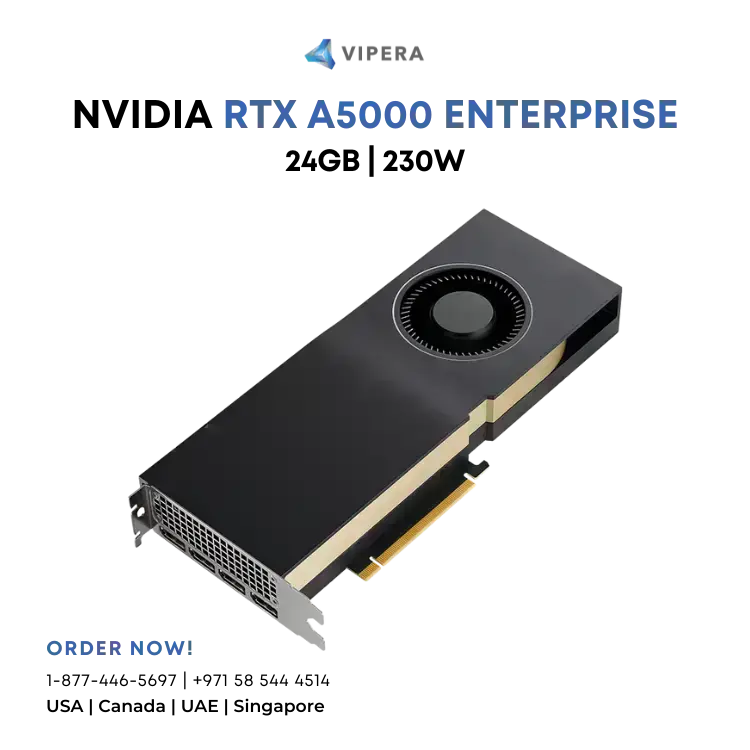
NVIDIA RTX A5000 Enterprise 24GB 105MH/s 230W
VSXR5 340R7
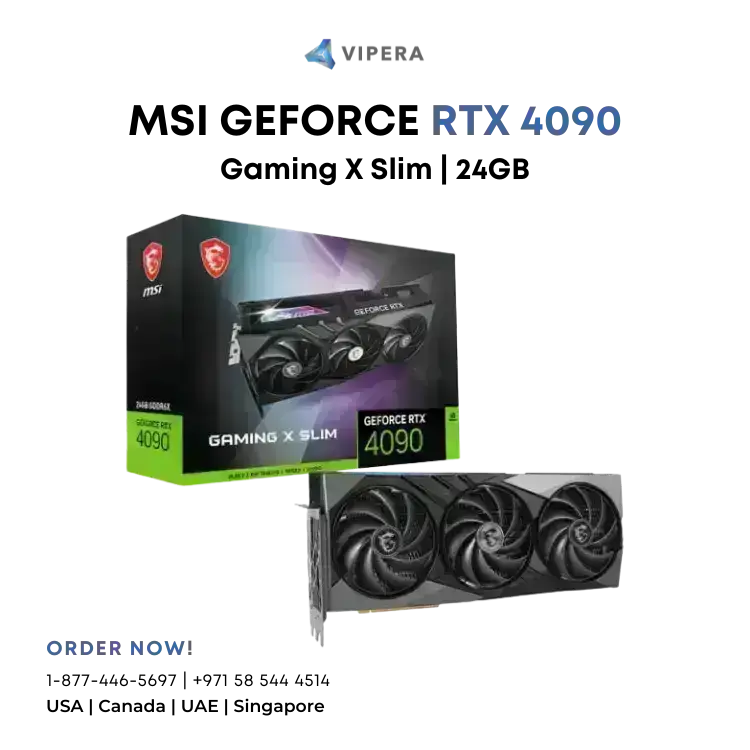
MSI GeForce RTX 4090 Gaming X Slim 24G
How this is calculated
Bytes per parameter
- FP16 / BF16: 2 bytes — training + high-quality inference
- INT8: 1 byte — ~2× memory savings, minor quality loss
- INT4: 0.5 bytes — ~4× memory savings, used by GGUF / GPTQ / AWQ
Workload overhead
- Inference: weights + KV cache + ~10% runtime buffers
- LoRA fine-tune: frozen weights + adapter states + activation memory (QLoRA if INT4)
- Full training (Adam): weights + gradients + 2× optimizer states + activations, typically ~16–20 GB per 1B params in FP16
Usage pattern overhead
Longer contexts and more concurrent requests grow the KV cache linearly. Serving 16 production requests at 8k tokens can add tens of GB on top of the model weights. Flash-attention-2 and PagedAttention (vLLM) improve efficiency but don't eliminate the cost.
Caveats
Estimates are approximate. Real requirements depend on model architecture (attention heads, hidden dim, MQA/GQA), kernel choice, and framework overhead. Budget 10–20% headroom beyond the minimum.